01
Background
Why this exists
Diagram tooling is often either too heavy or too bare. Mermaid is maintainable, but editing still needs a smoother writing-first surface.
An online Mermaid editor with syntax highlighting, live preview, and export support for text-first diagram workflows.
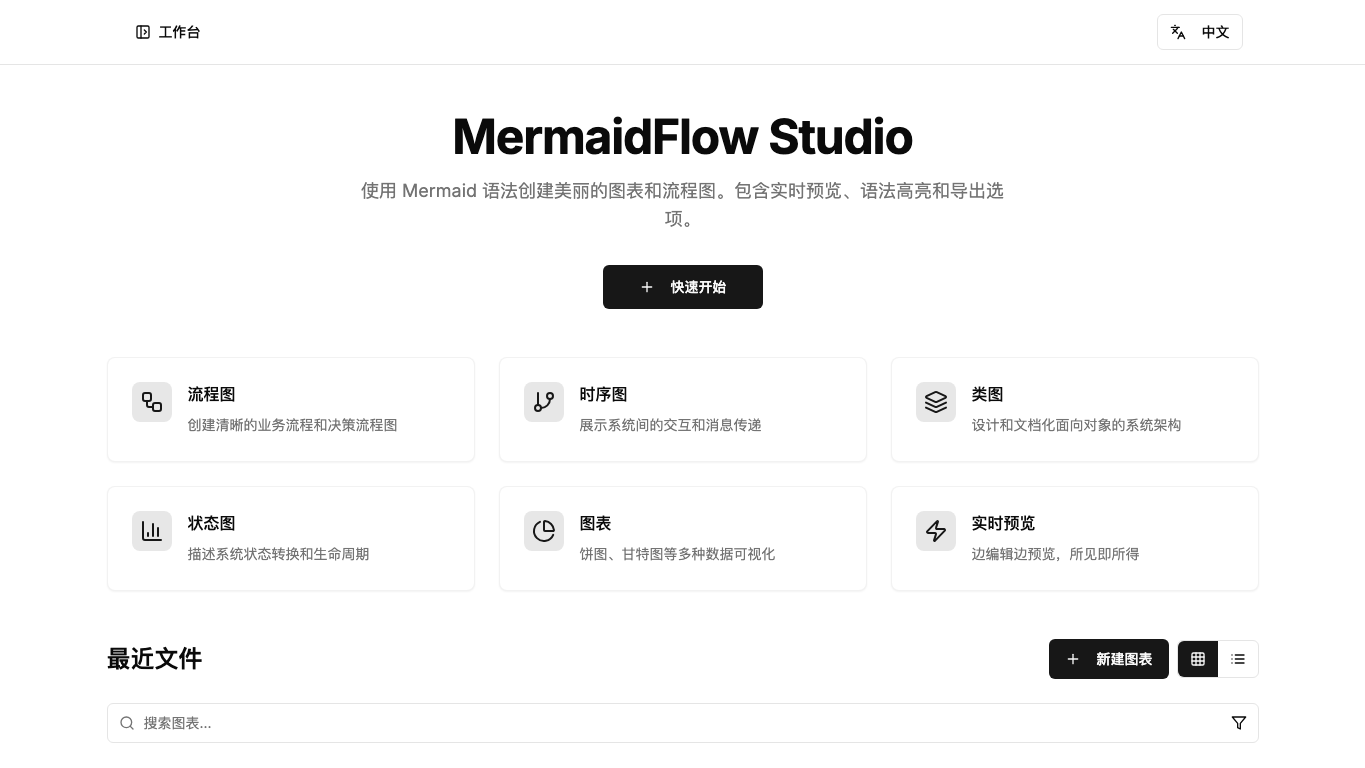
Open the product
Live preview
Some sites may block iframe embeds because of their security policy. If the frame stays blank, use the Open live link above.
Access
For this type of entry, the strongest content is the live product itself. The notes below are there to frame what matters, not to replace the real experience.
Visual history
This timeline keeps a readable visual memory of the surface, so the newest cover can stay on the project card without erasing what came before.
Latest
Latest
2026-04-04
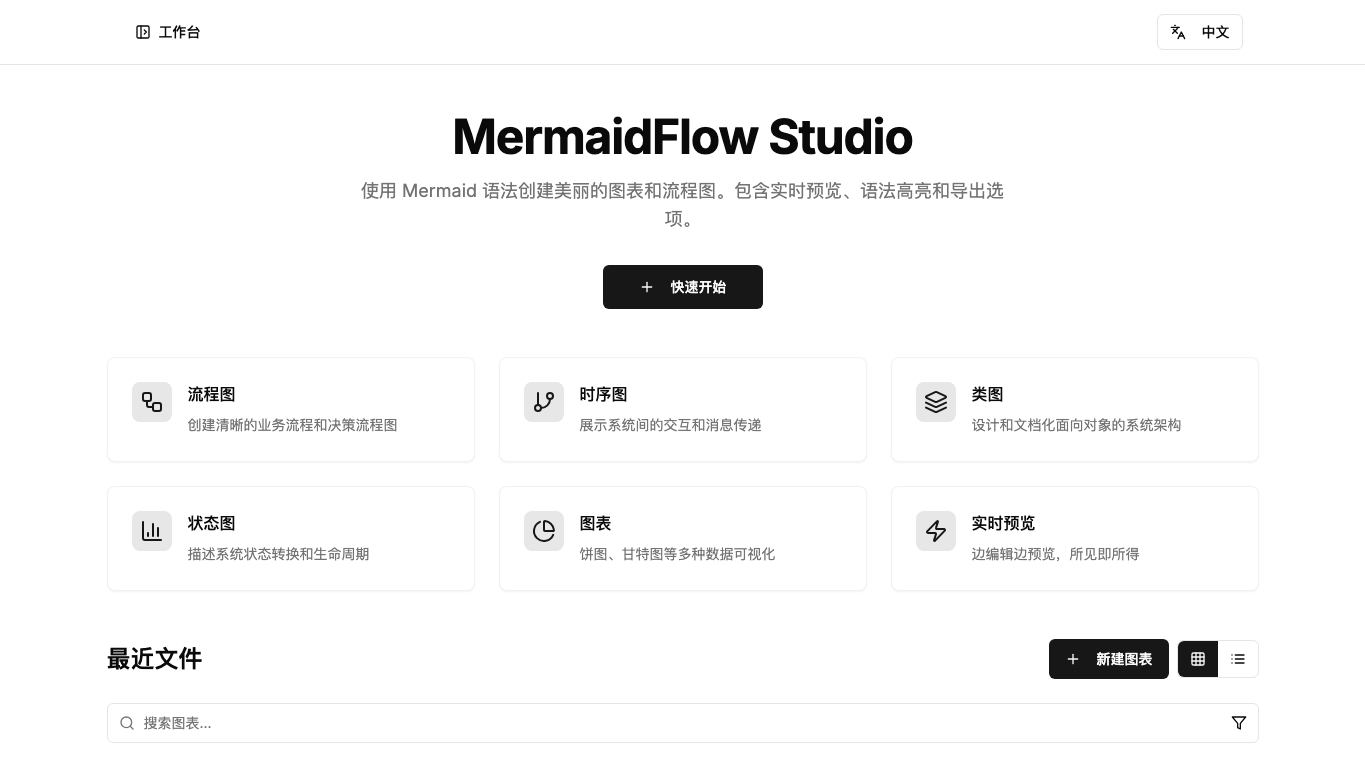
Archived
Archived cover
2026-04-04
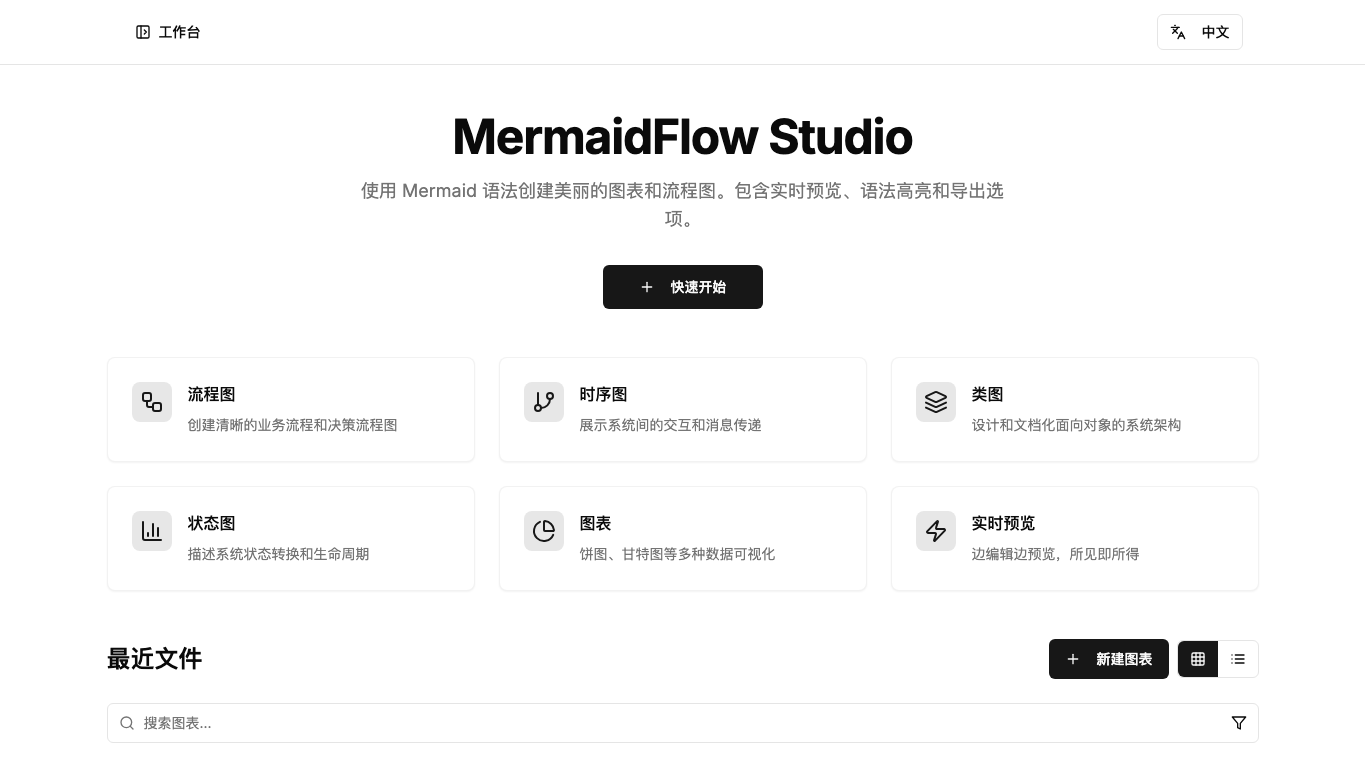
Legacy R2
Legacy above-the-fold capture
2026-01-22
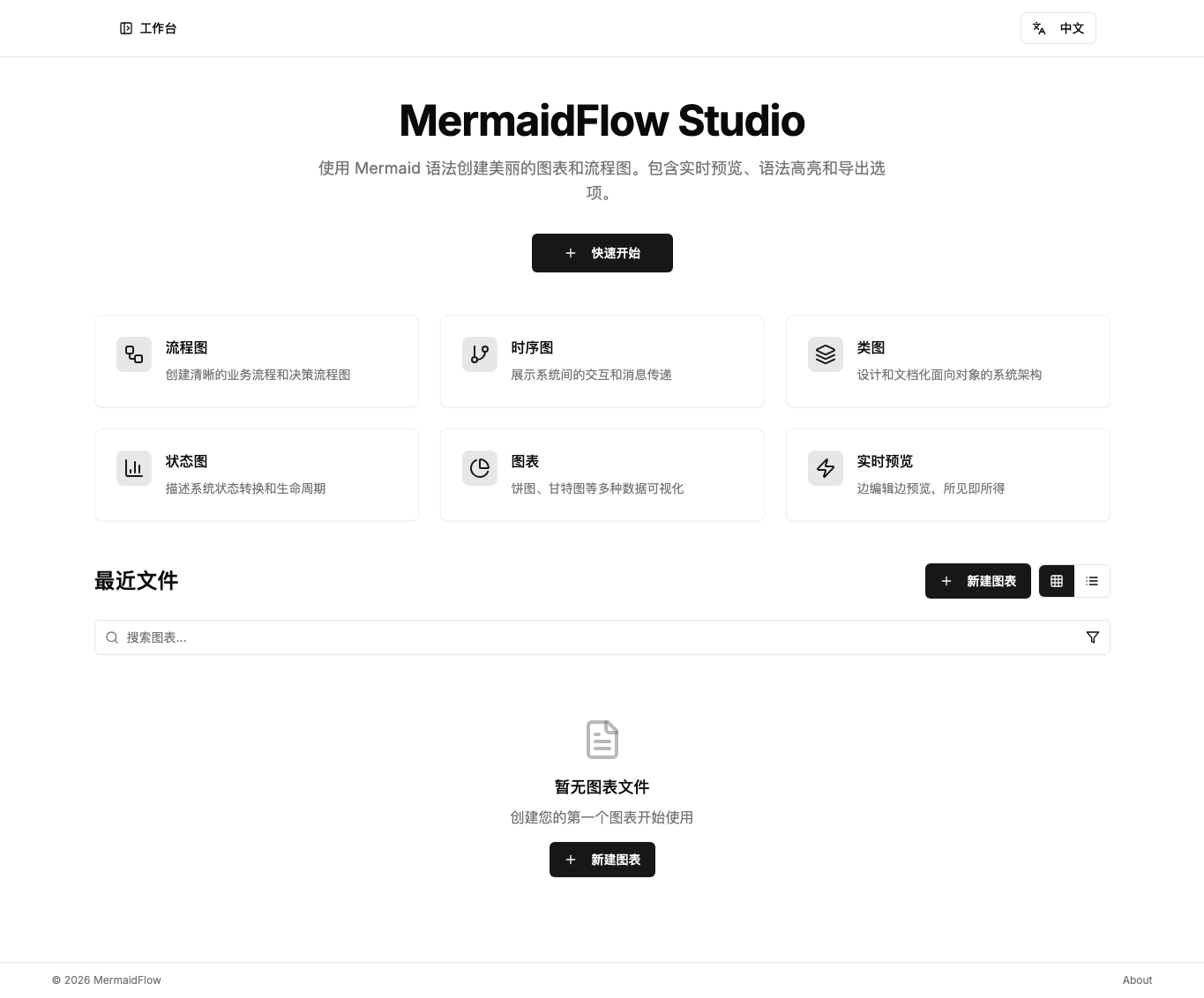
Legacy R2
Legacy full-page capture
2026-01-22
Project notes
01
Background
Diagram tooling is often either too heavy or too bare. Mermaid is maintainable, but editing still needs a smoother writing-first surface.
02
Scenario
03
Delivery
04
Design
05
Tech
Flow
This version is best understood as a living product: entry points, feedback loops, and completion states matter as much as the surface design.
Write / Preview / Export
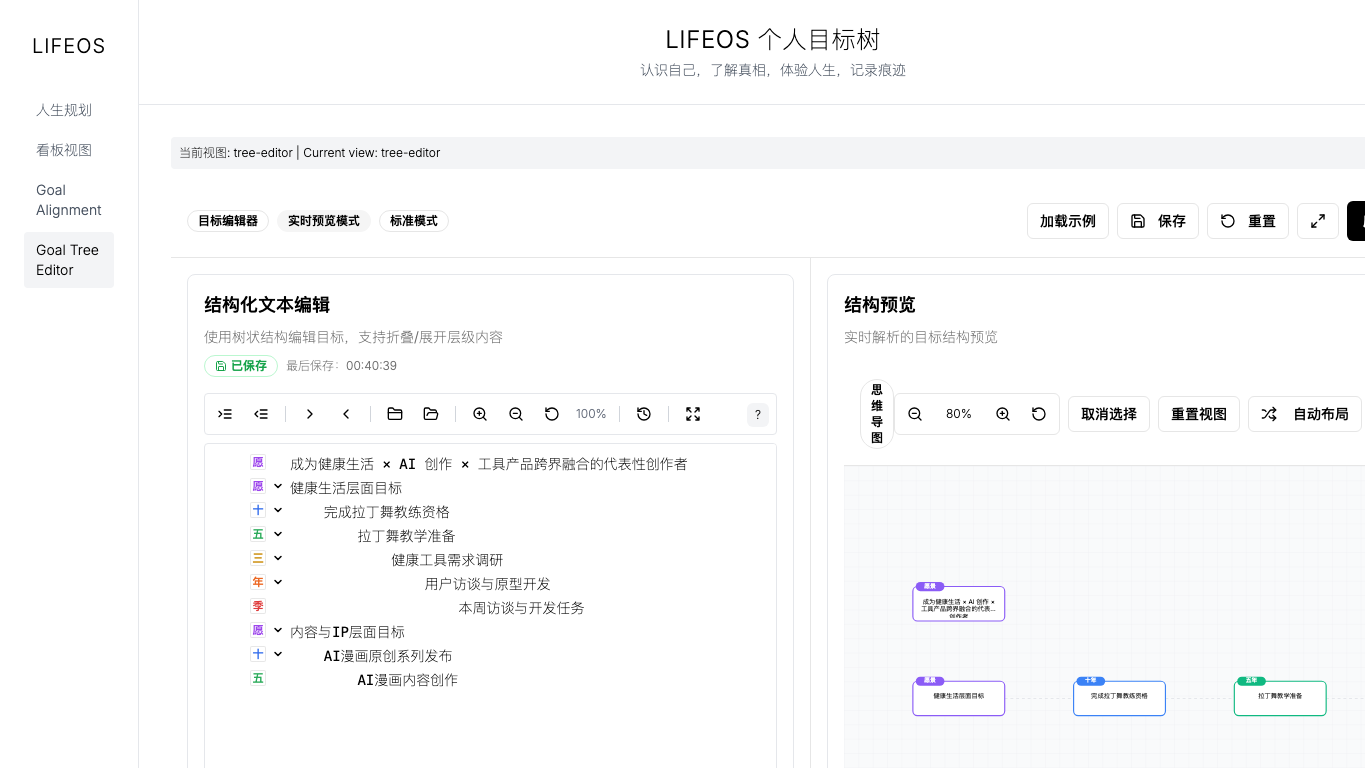
A structured life-planning system that uses goal trees, alignment views, and board interfaces with real-time parsing and editing.
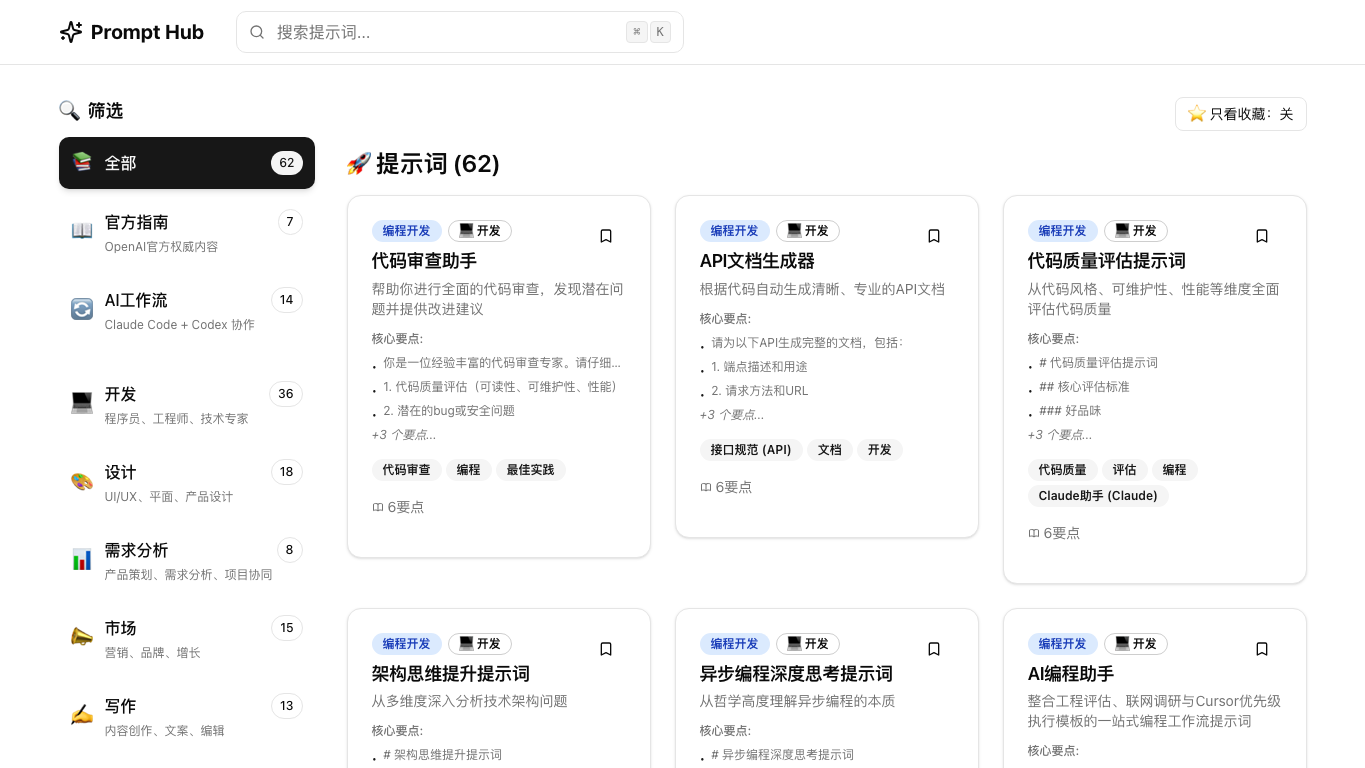
A practical prompt library for individuals and indie builders, built around reusable templates that reduce trial-and-error cost.
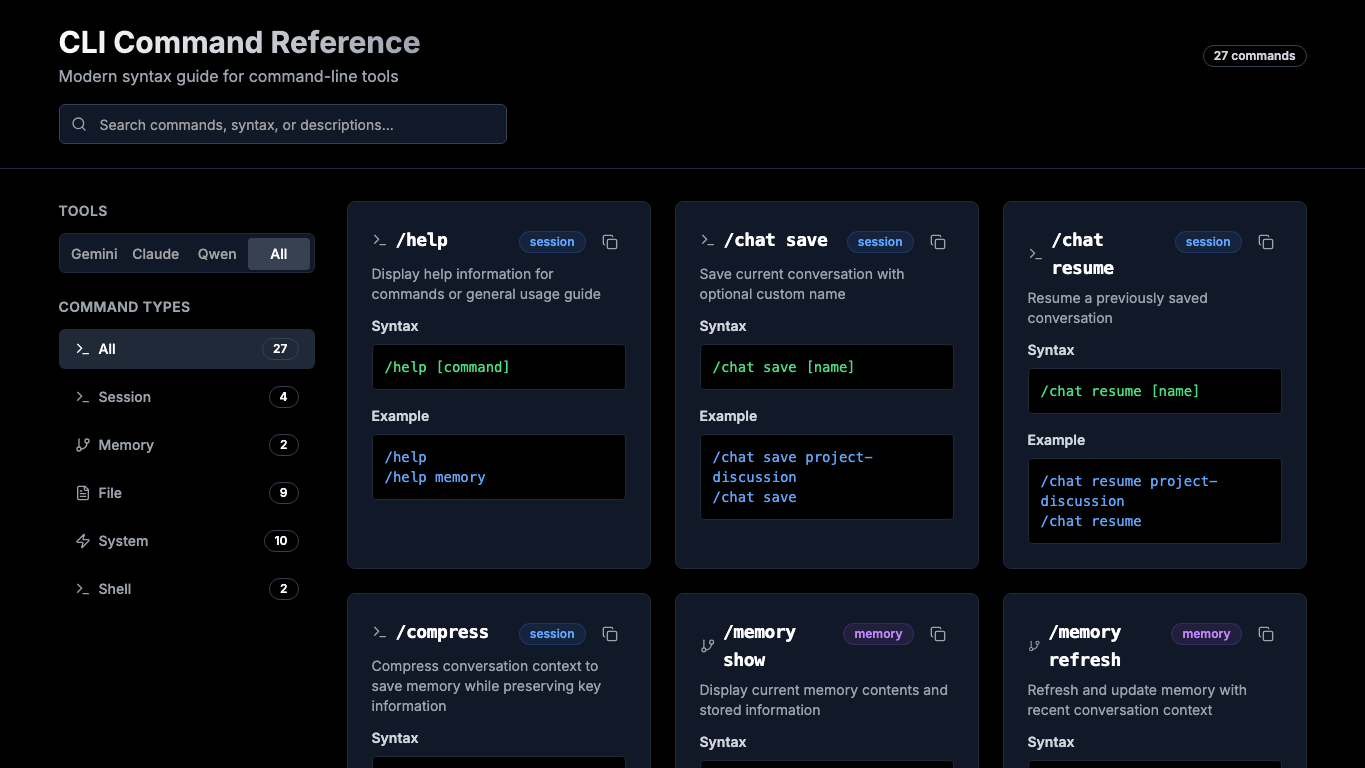
A searchable syntax reference for Gemini CLI, Claude Code, and shell interaction, built for fast filtering and one-click copying.