Frontend / Motion
Motion Atlas
A motion gallery for web interfaces that starts with visible previews, then helps select reusable templates and implementation guidance.
- Role
- Frontend motion library with preview-first browsing
- Time
- Ongoing · 2026-06-26
- Platforms
- Web
Frontend motion library with preview-first browsing
01 / Background
Why this exists
Motion discussions often stay too abstract. This project turns interaction ideas into concrete previewable artifacts that lower decision cost.
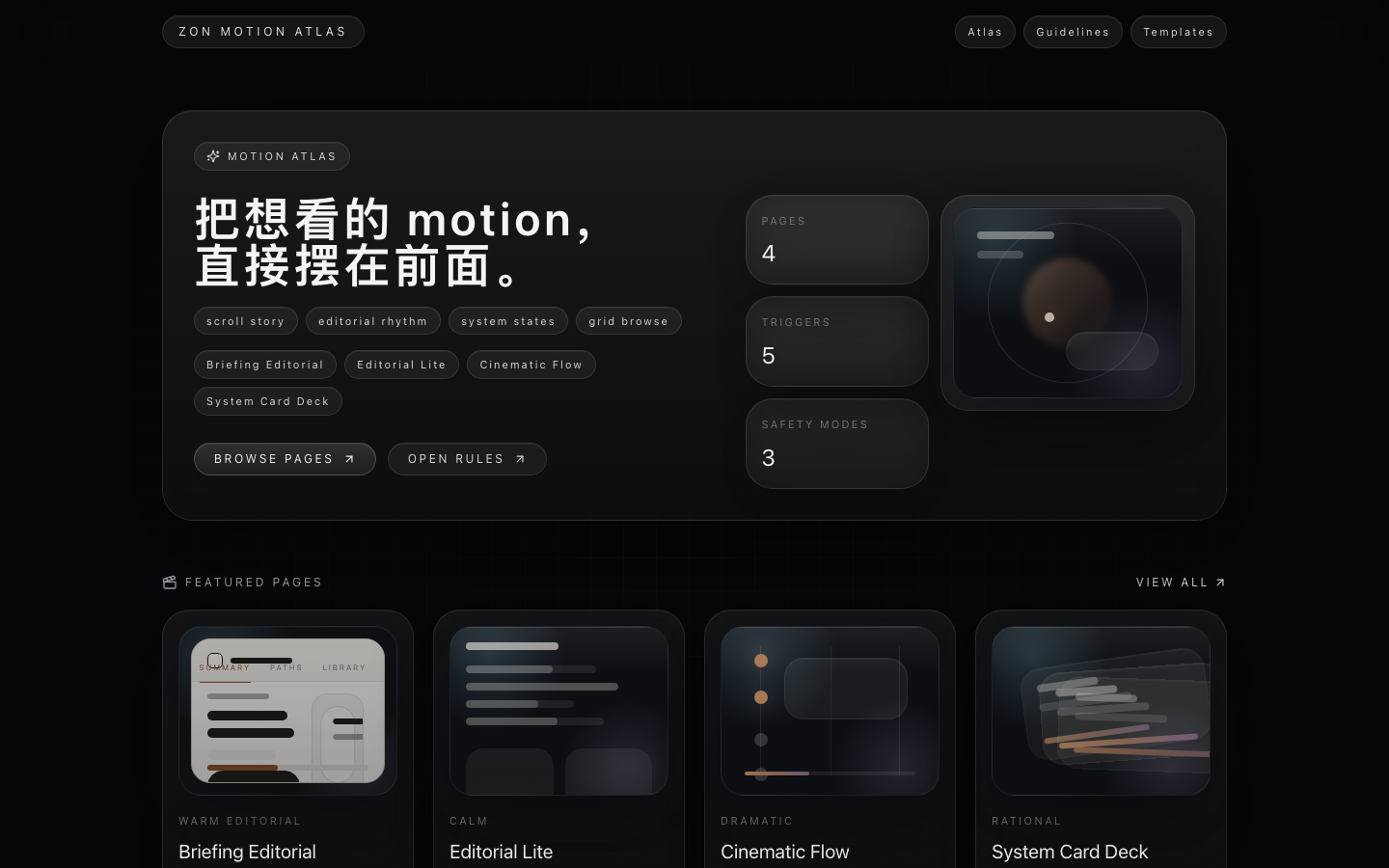
The current public Motion Atlas surface.
02 / Scenario
Use scenarios
- Show motion capability in hiring or portfolio context.
- Review motion direction before redesign or implementation.
- Turn valuable patterns into reusable team assets.
The project’s current priorities and delivered decisions.
03 / Delivery
What I shipped
- Motion gallery with visible previews and categorized cards.
- Template index where each motion piece can be opened on its own.
- Guidelines covering principles, performance limits, and rollout checklist.
The core path from input to outcome.
04 / Design
Design decisions
- Preview first: see the effect before reading about it.
- Each card carries structured metadata like category, duration, and tags.
- Templates stay de-identified so they can be reused safely.
05 / Tech
Implementation
- Built with Next.js App Router and componentized motion templates.
- Shared motion tokens for enter, hover, and state-change rhythm.
- Emphasis on transform and opacity for performance-friendly animation.