Productivity / Speech
Speech Transcription
Some ideas arrive more honestly in voice than in text. I built this to catch those moments before they disappear, then return to them later with less friction.
- Role
- Owner / Product Engineer across product scope, mobile capture entry, recording state, local data contract, and export handoff.
- Time
- Ongoing · 2026-04-04
- Platforms
- Web
A quieter way to hold spoken thoughts
01 / Background
Why this exists
Transcription tools win on instant usability and reliable retention. This product keeps controls minimal and state feedback explicit.
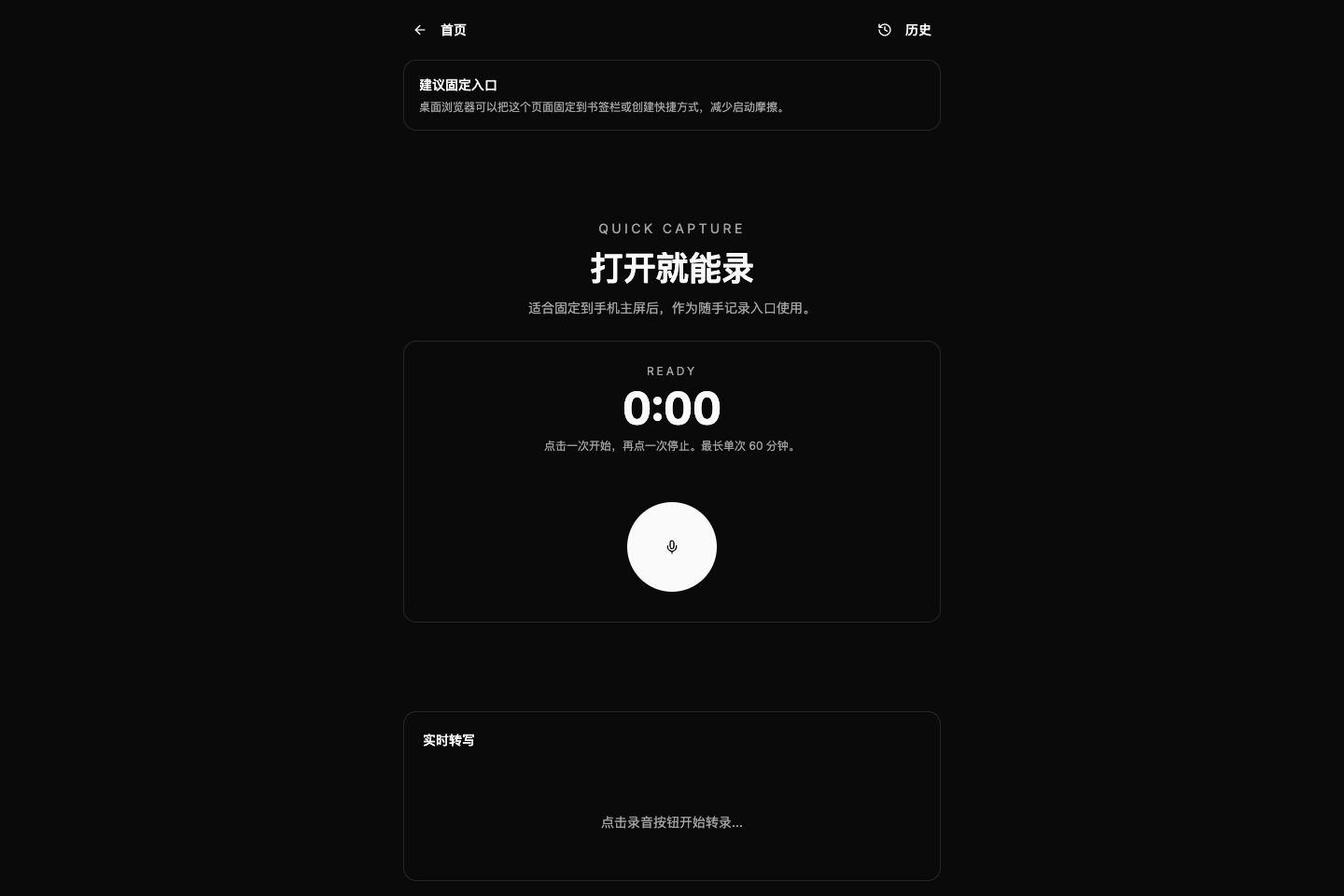
The current public Speech Transcription surface.
02 / Scenario
Use scenarios
- Capture spoken ideas
- Start quickly from a phone home screen
- Hand exports into a local knowledge workflow
The project’s current priorities and delivered decisions.
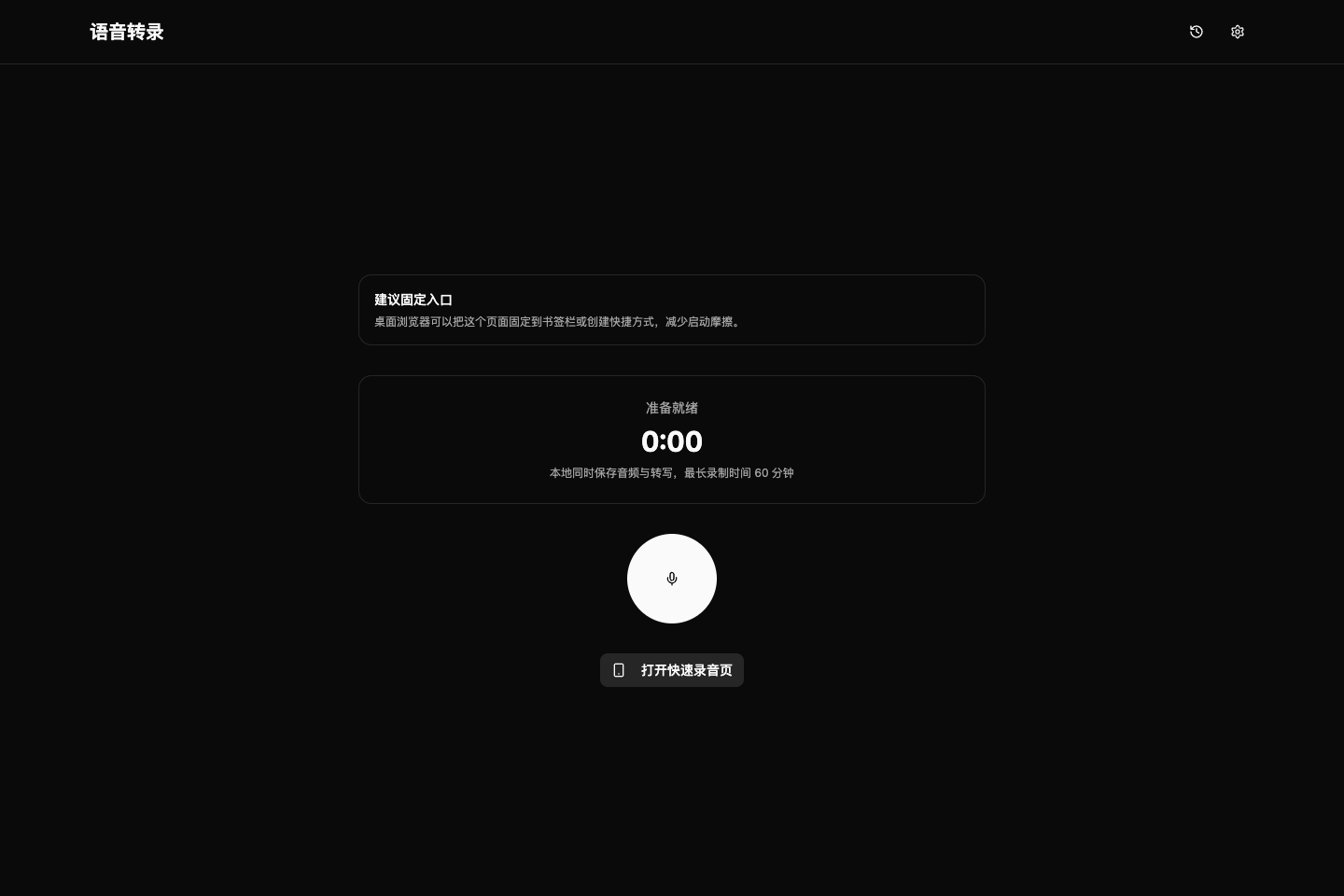
Interface screenshot 01.
03 / Delivery
What I shipped
- Home and /capture recording entries
- Real-time transcription with local audio and text retention
- History, detail, copy, and single-file Bundle export
The core path from input to outcome.
Interface screenshot 02.
04 / Design
Design decisions
- State clarity matters more than feature count.
- History is treated as the core long-term asset.
05 / Tech
Implementation
- Next.js 16 / React 19 / TypeScript / Zustand
- Web Speech API transcription; localStorage metadata and IndexedDB audio blobs
- PWA manifest and a Bundle handoff to the local OpenClaw importer