01
Background
Why this exists
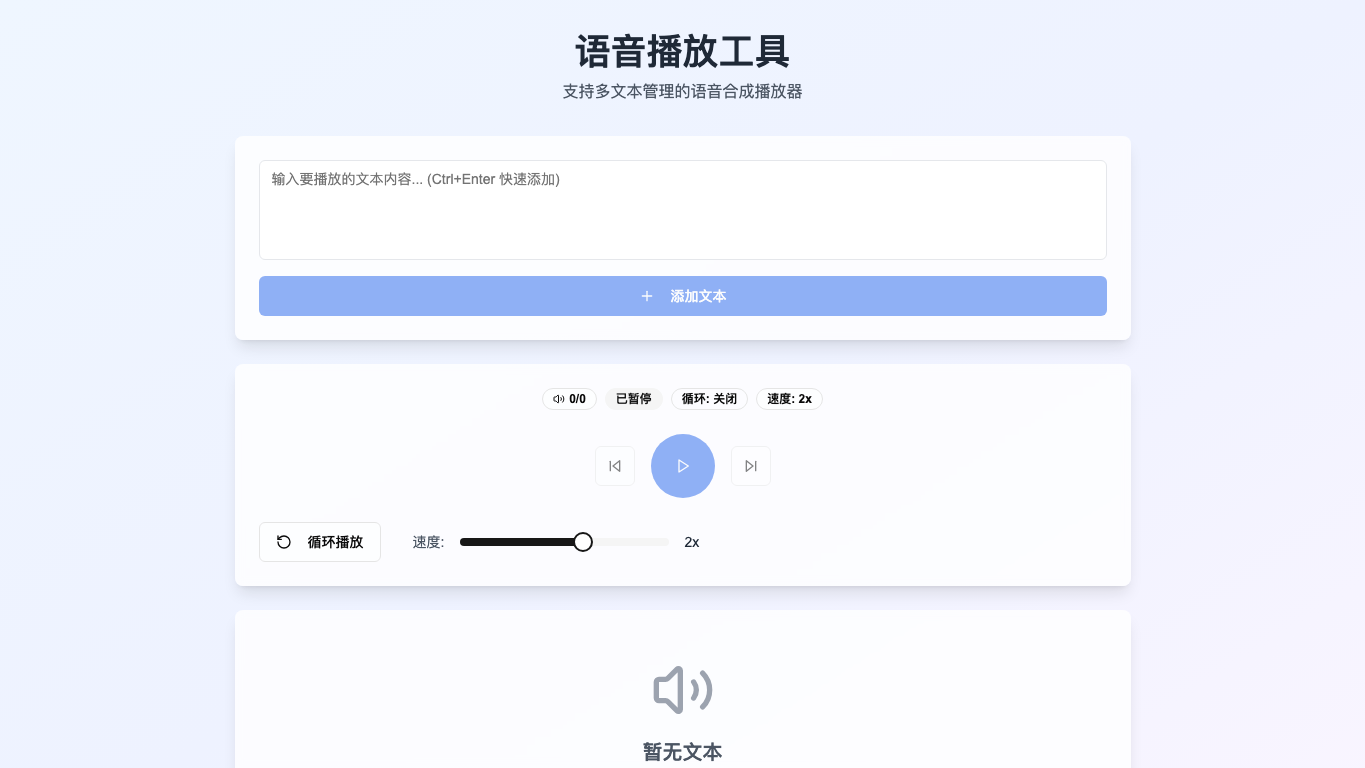
Most TTS tools solve only one-off playback. Real usage behaves more like a playlist: manageable, repeatable, and adjustable.
TTS player with multi-text playlist management
A practical TTS tool that treats speech synthesis as a manageable playlist with speed, loop, and queue controls.
Open the product
Live preview
Some sites may block iframe embeds because of their security policy. If the frame stays blank, use the Open live link above.
Access
This entry is preserved as archive context. The strongest way to read it is through the visual record, the key decisions, and the surrounding body of work.
Visual history
This timeline keeps a readable visual memory of the surface, so the newest cover can stay on the project card without erasing what came before.
Latest
Latest
2026-04-04
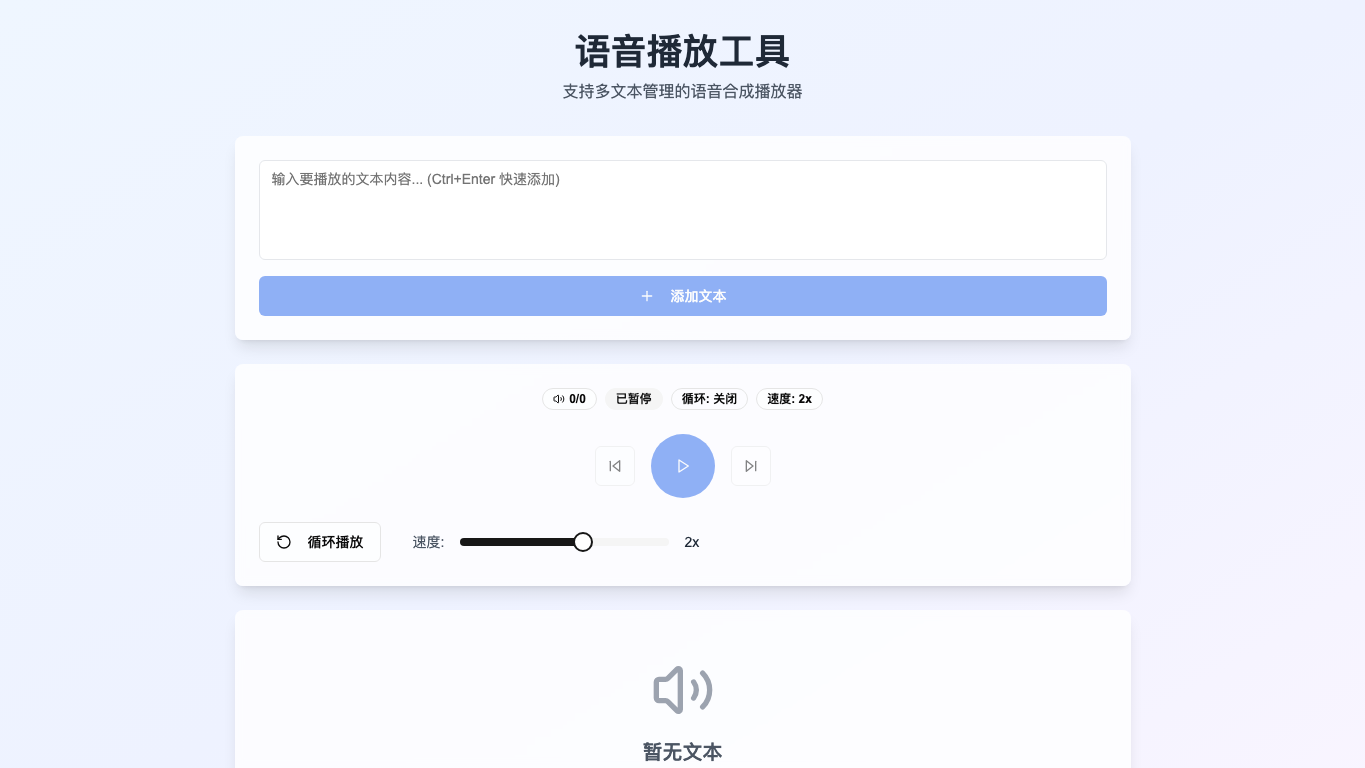
Archived
Archived cover
2026-04-04
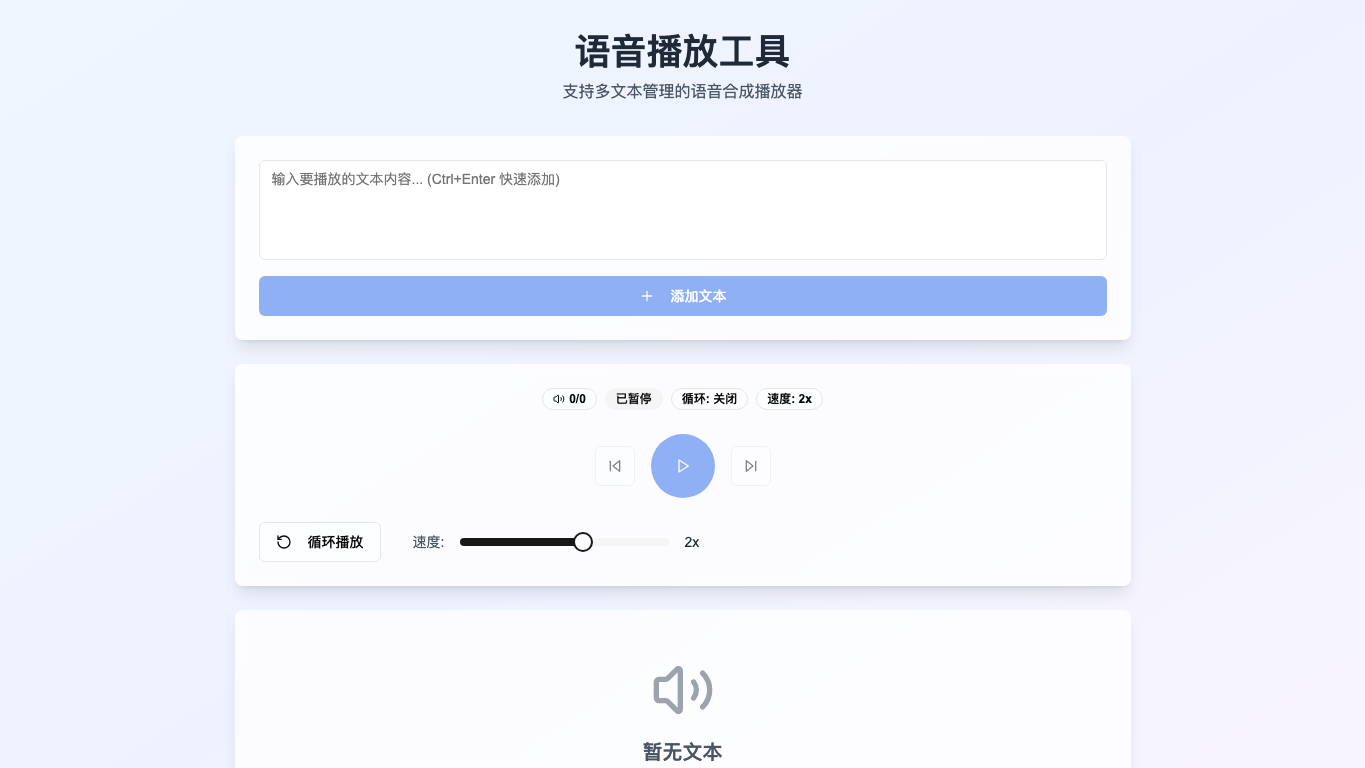
Legacy R2
Legacy above-the-fold capture
2026-01-22
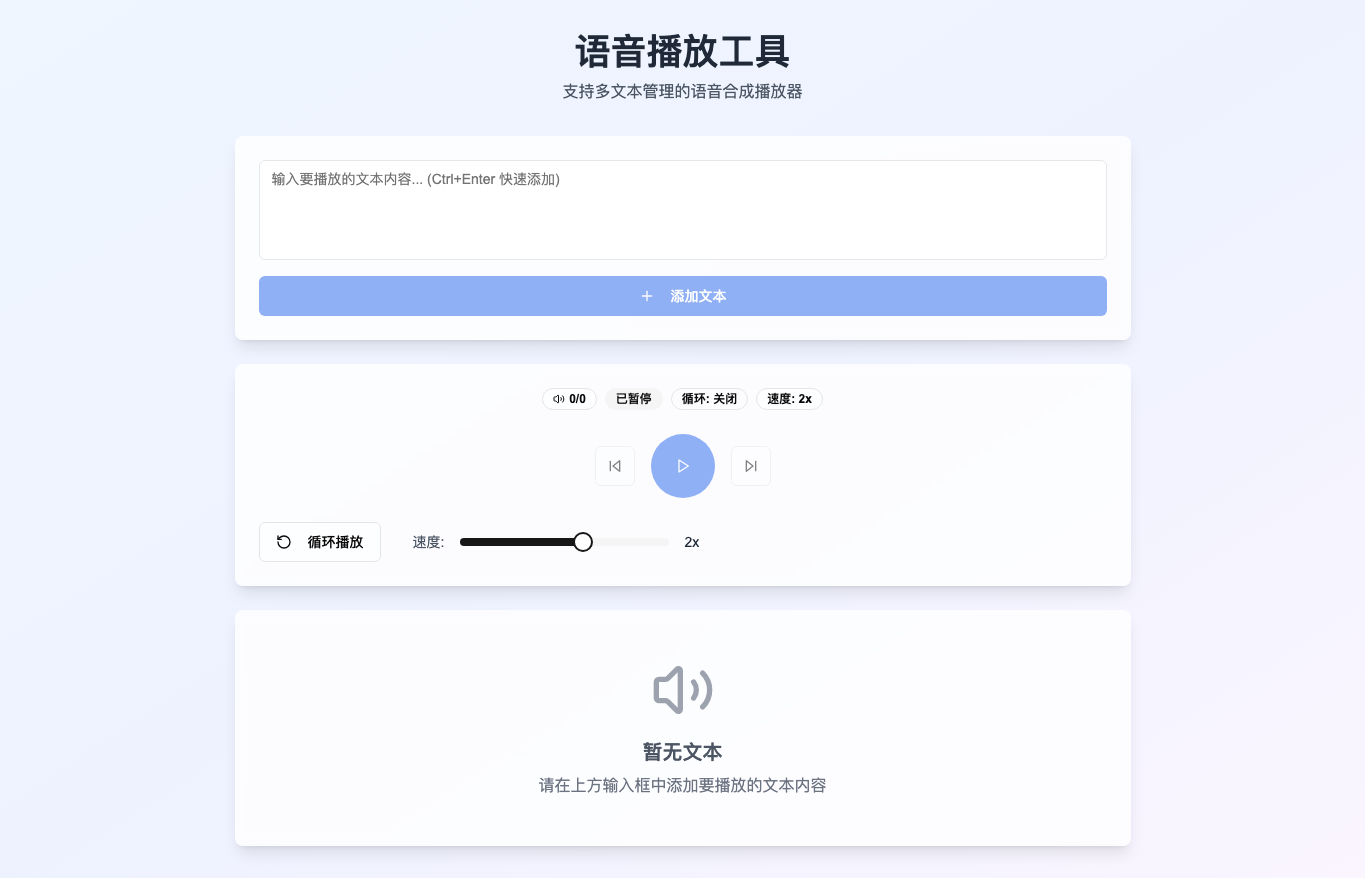
Legacy R2
Legacy full-page capture
2026-01-22
Project notes
01
Background
Most TTS tools solve only one-off playback. Real usage behaves more like a playlist: manageable, repeatable, and adjustable.
02
Scenario
03
Delivery
04
Design
05
Tech
Flow
This version is best understood as a living product: entry points, feedback loops, and completion states matter as much as the surface design.
Add text / Queue / Speak / Repeat
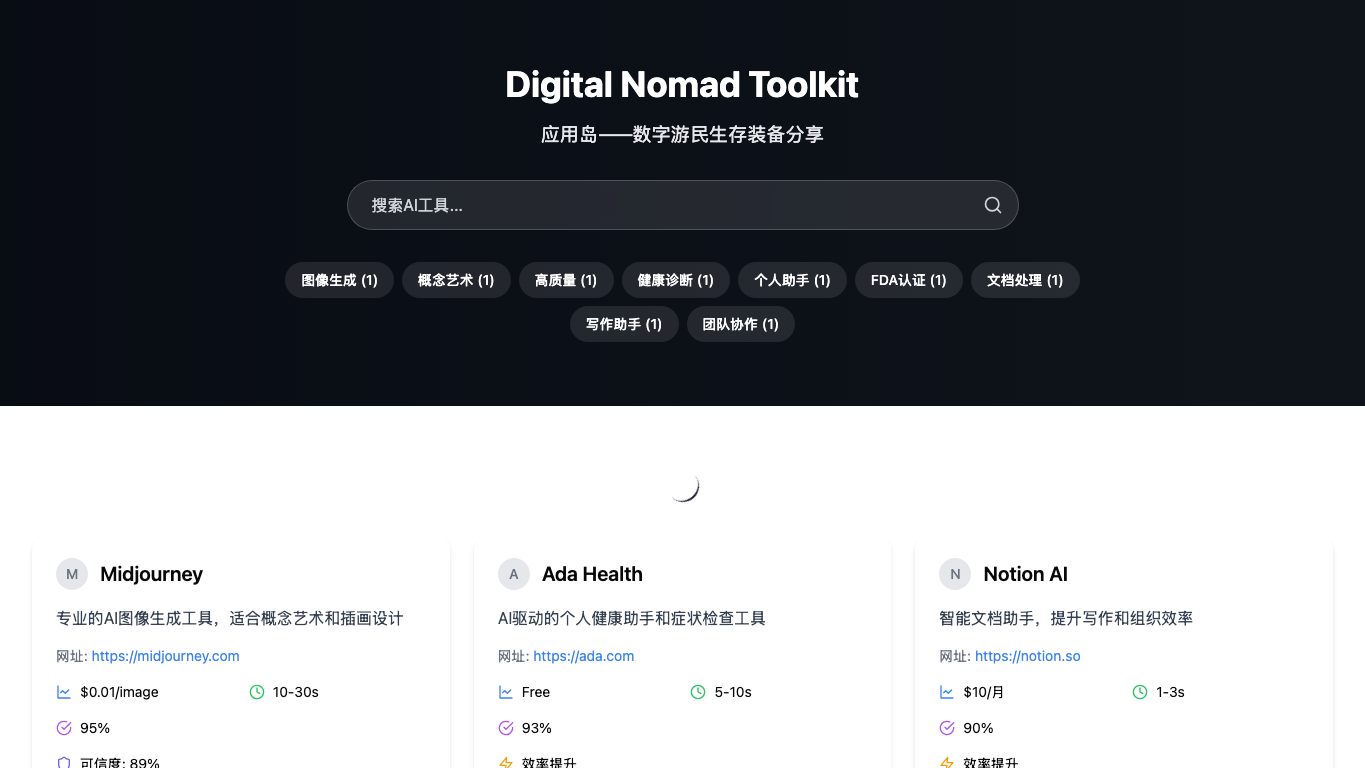
A searchable, categorized atlas for AI tools and digital-nomad services, designed around decision-friendly comparison fields.
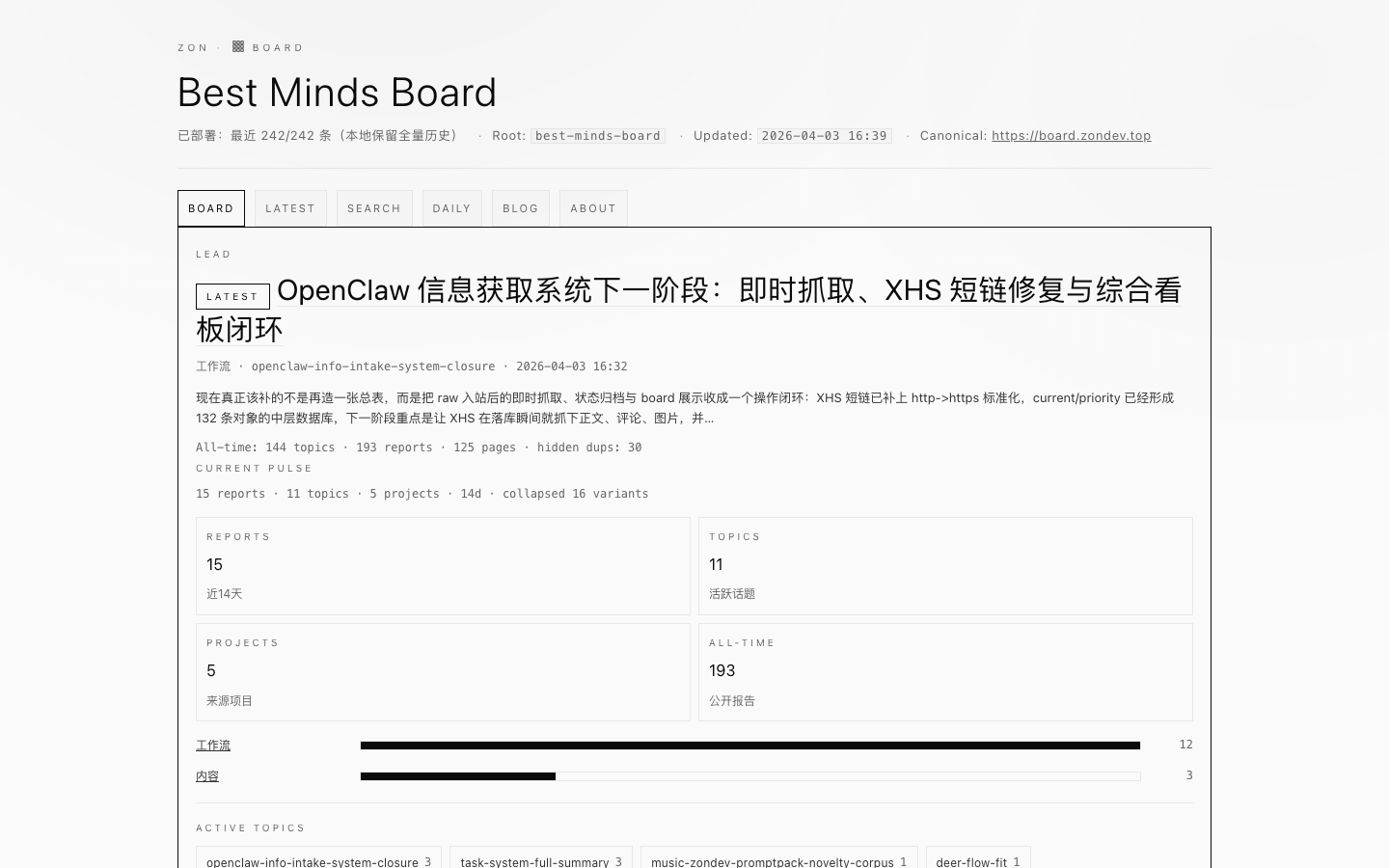
I did not want research to disappear into chat logs. This board gives questions, notes, archives, and shareable conclusions one long-lived home.

An archived early exploration that connected private-report parsing, traceable insight output, and longitudinal records in one product flow.